
With our eSIM platform, you can connect to the internet easily and reliably anywhere in the world.
Seamless global connectivity. Choose your eSIM in seconds.
No results found.
Before you begin, make sure you have an internet connection to set up your eSIM.
Open the eSIM settings
Go to Settings > Cellular / Mobile Data
Select Add eSIM
Add the eSIM
Select Use QR Code
Scan the QR code
Select Enter Details Manually
Keep "Confirmation Code" blank. SM-DP+ Address: smdp.io · Activation Code: XX-XXXXXX-XXXXXX
Set up the line
Press Continue
After downloading, set up your Talk eSIM line
Choose a name for your line. You can select Business or name your profile with a custom label, for example Talk eSIM Trip
Choose the default lines
As default line select Your mobile operator line, same for iMessage, FaceTime & Apple ID
For Cellular Data select Talk eSIM Trip if you are already abroad. Do not allow mobile data switching.
Turn on data roaming
Go to Settings > Cellular / Mobile Data
Select the Talk eSIM Trip line
Allow Data Roaming in the Talk eSIM Trip line

Talkesim eSIM solution, ready to use
Experience the freedom of global coverage with Talkesim eSIM. Easy to use, reliable and designed for your iPhone.
Stay connected worldwide with our reusable eSIM. Affordable rates, seamless setup and reliable service, all on your Android device.
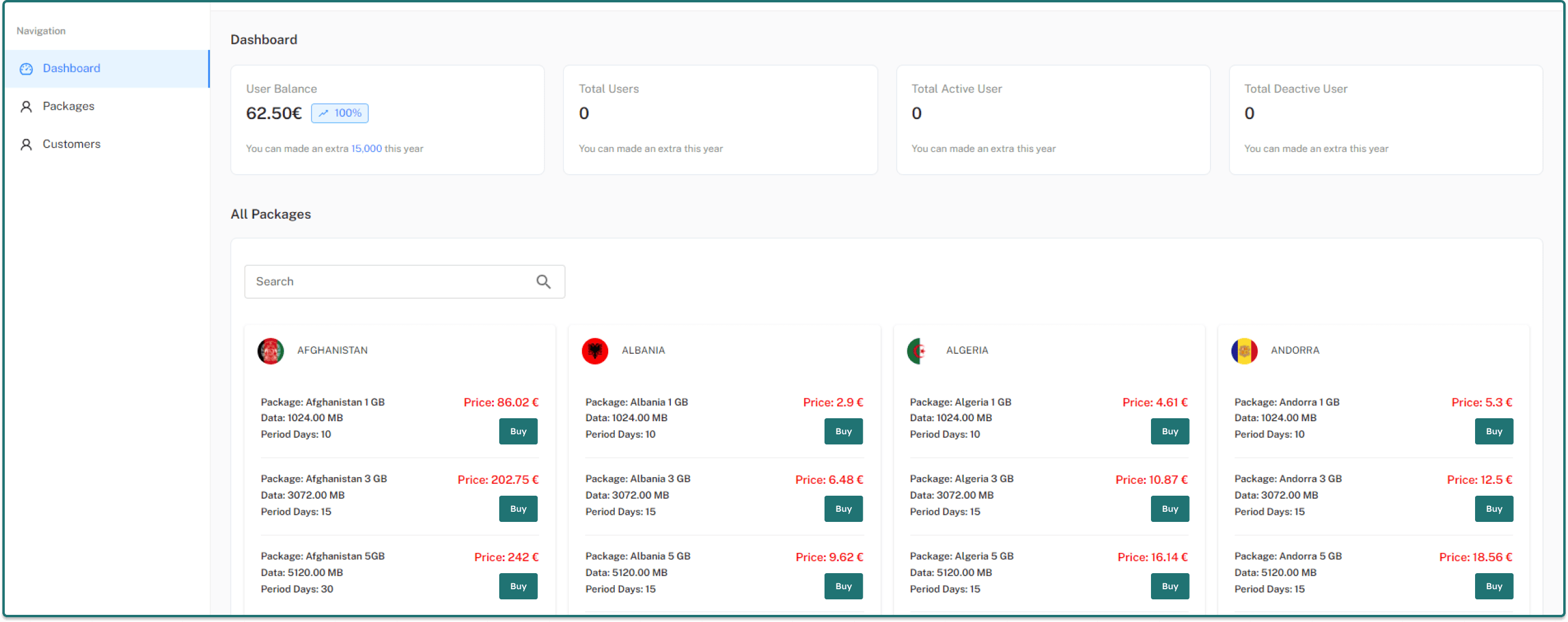

Join us now for a safe and seamless internet experience. With eSIM plans for every destination, getting connected takes just a few steps.